Console Redesign
19 Oct 2026
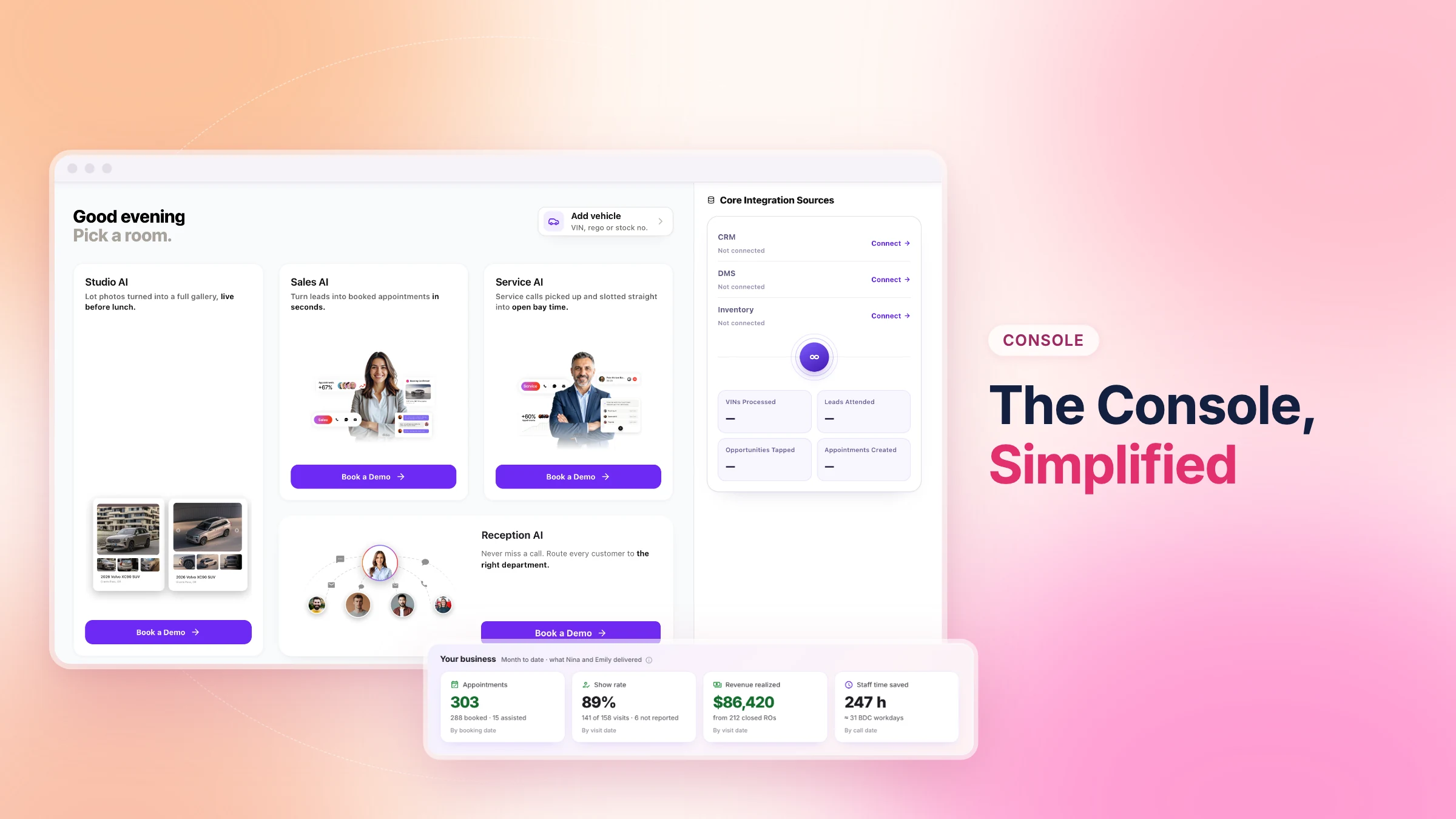
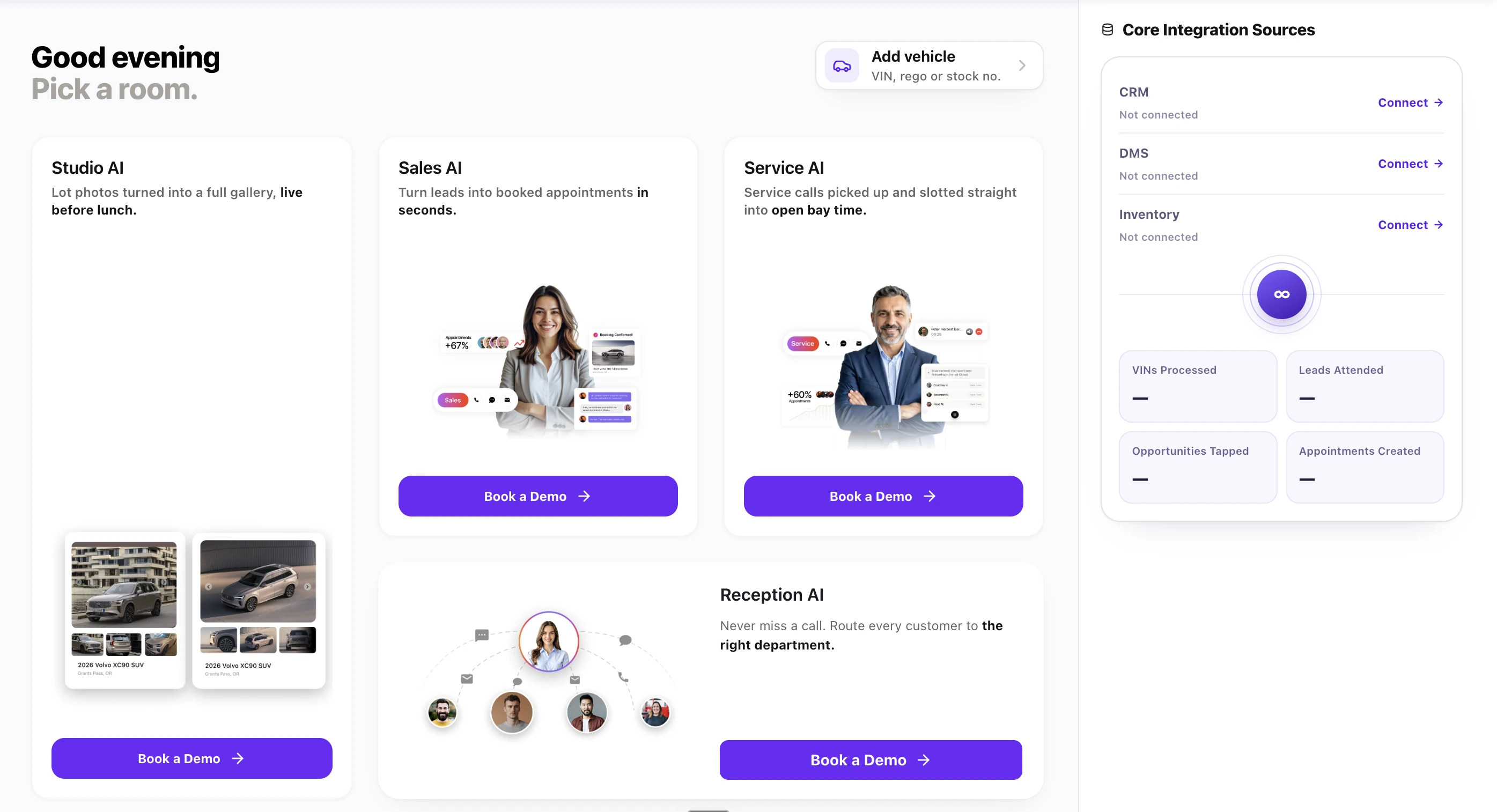
A Homepage Built Around Your Products
The homepage is the first screen dealers see. It now shows what they have, what they could add, and whether their systems are connected.
Key capabilities:
Product cards for every product, subscribed or not
Key numbers on each subscribed product
Book a Demo for other products, with an optional preferred date and time
Integration status for CRM, DMS, and inventory, with a direct link to setup
A Simpler Left Menu
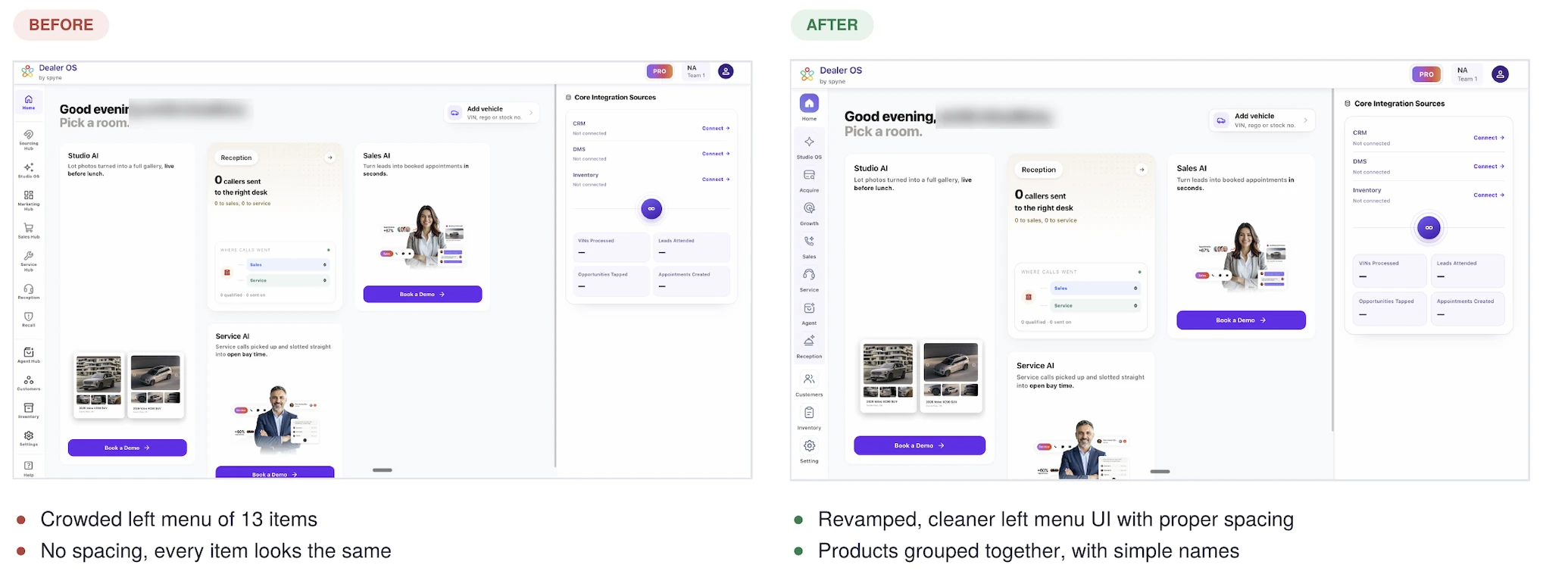
The left menu is cleaner and easier to scan, with products grouped under short, simple names.
Key capabilities:
Products grouped as Studio OS, Acquire, Growth, Sales, Service, Agent, and Reception
Customers, Inventory, and Settings in their own section below
Clearer spacing, so every item is easy to tell apart
Product pages with Book a Demo for Sales and Service, if not yet purchased
The new menu is live for all users.
Every Studio OS Product in One Tab
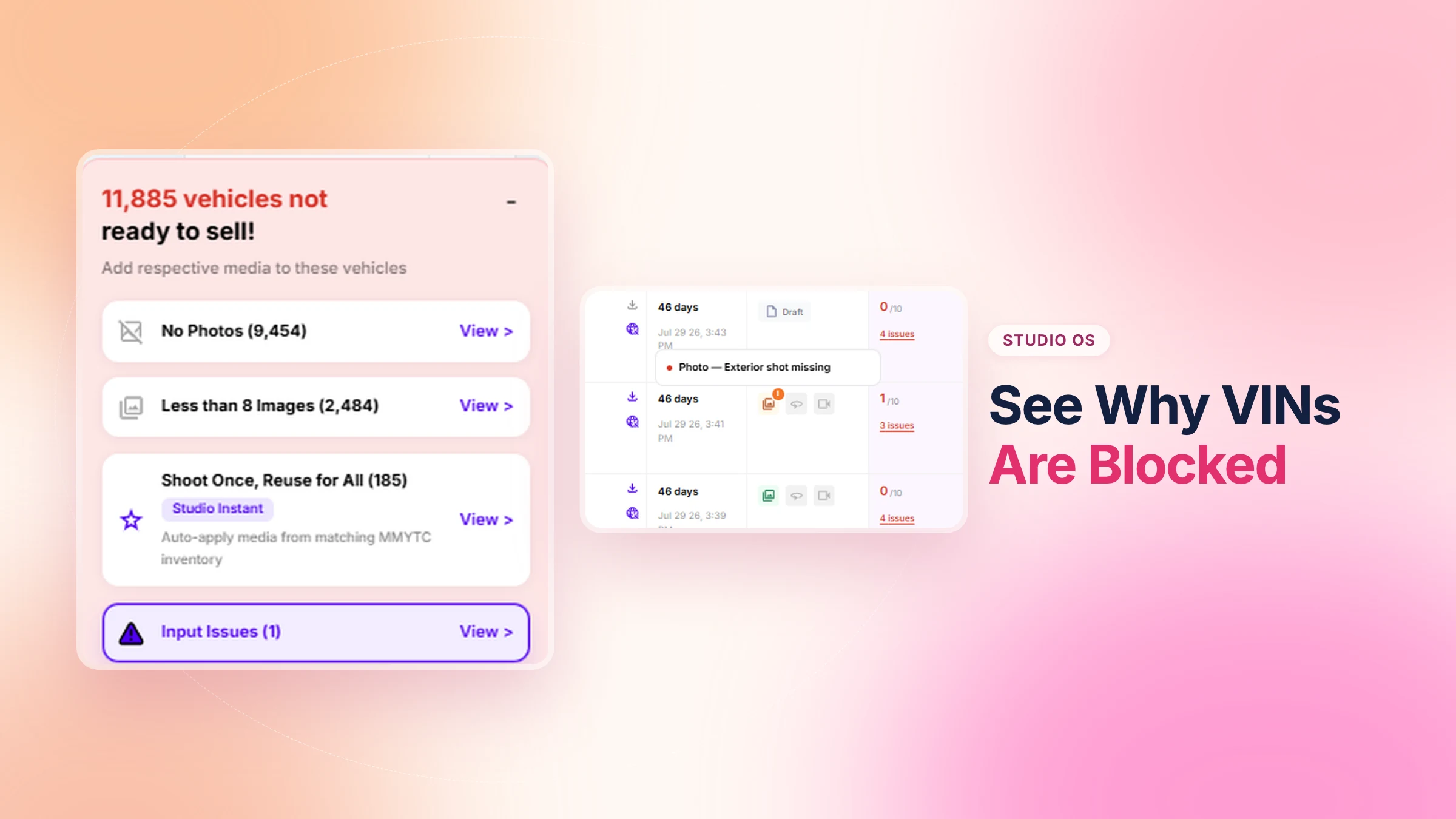
The Studio tab now brings Create, Instant, Promote, and Publish together, so dealers can check usage and inventory health in one place.
Key capabilities:
Live usage on the modules you have purchased
Your own inventory data on modules you have not unlocked yet
Inventory health card with photo-score bands that show which vehicles need work
Book a Demo or upgrade without leaving the tab
Rolling out to select rooftops, starting with SMB and Mid.
A Redesigned Vini Experience
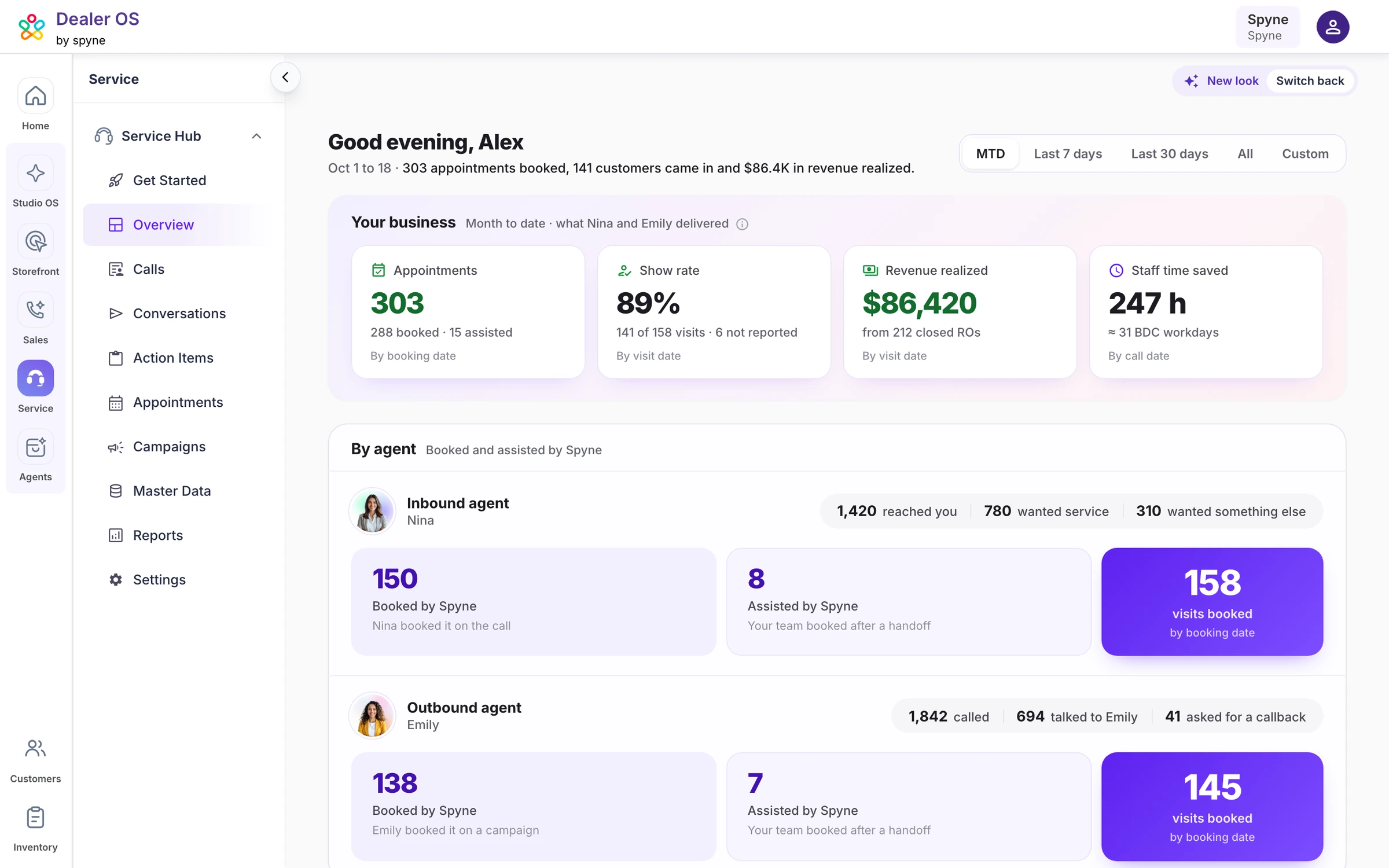
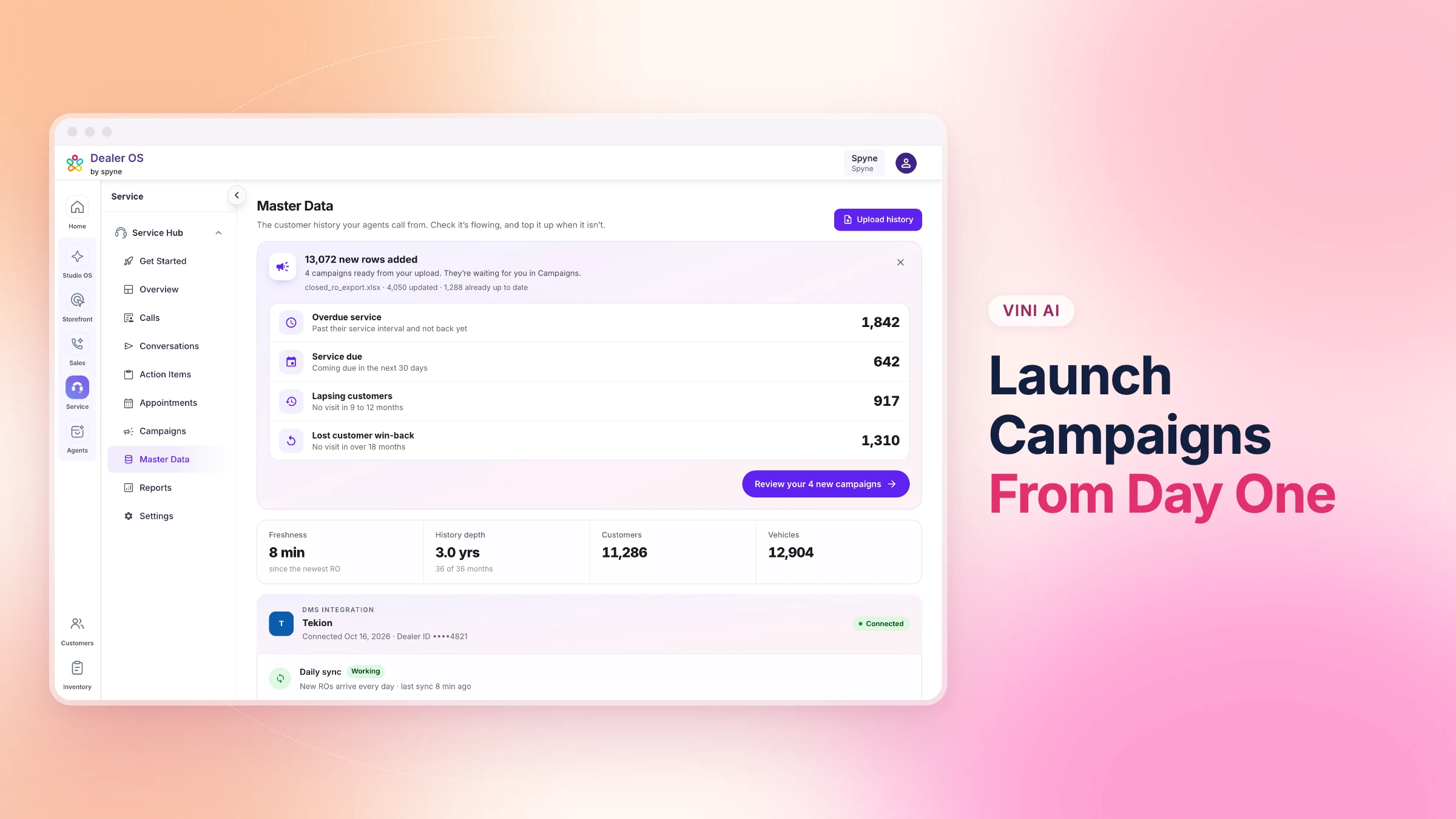
Vini's pages now lead with the numbers dealers check most, so it is easy to see what is working and what to fix next.
Key capabilities:
Rebuilt pages for Overview, Campaigns, Campaign detail, and Reports
Appointments, RO revenue, and warm leads shown up front
Funnel drop-offs shown with a fix for each
Two clicks to launch a campaign
Now live for Service.