Smart Campaigns
27 Mar 2026
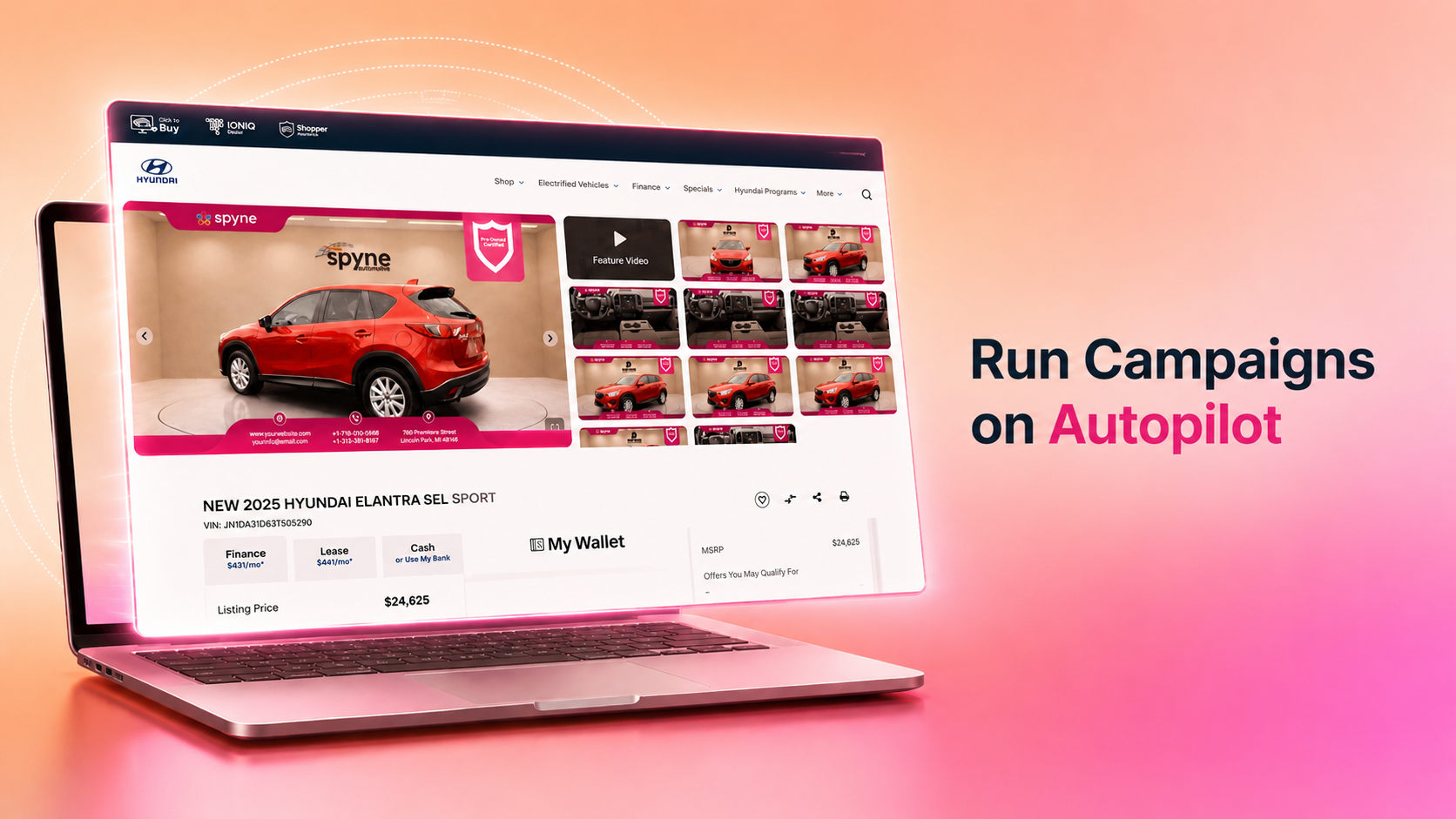
Target the Right Inventory With Custom Rules
Build filters to define exactly which VINs a campaign should apply to. Spyne matches against your live inventory and picks up new vehicles automatically as they come in.
Key capabilities:
Filter by car condition, make, model, year, trim, price range, days on lot, transmission, certification, and certification type
Preview matched VINs before publishing
New inventory that satisfies campaign rules is picked up without any manual update
Apply Overlays, Billboards, and Dynamic Text
Attach promotional creatives directly to vehicle images to drive visibility and communicate your value before a buyer clicks through.
Key capabilities:
Add a promotional overlay on top of vehicle photos to brand the thumbnail
Insert a full-frame billboard image into the VIN gallery to promote offers, financing, or seasonal deals
Create dynamic text overlays that pull live values like price, mileage, or stock number from your feed and update automatically when data changes
Apply multiple creative types in a single campaign by assigning each to a different image position
Schedule, Publish, and Manage on Your Terms
Set a campaign to go live on a specific date, run it continuously, or schedule it ahead of a seasonal moment. Every campaign can be paused, reactivated, or deleted at any time.
Key capabilities:
Set a start date and optional end date, or choose to run with no end
Pause or delete a campaign to remove it from all VINs immediately
Save as draft to review before going live
Manage all campaigns from a single record view with priority, status, and date at a glance
Now available on Studio AI